
Guides
Learn how to use Dynacoinex.
Step-by-step guides for creating a wallet, backing up your recovery phrase, buying, swapping and staking crypto.
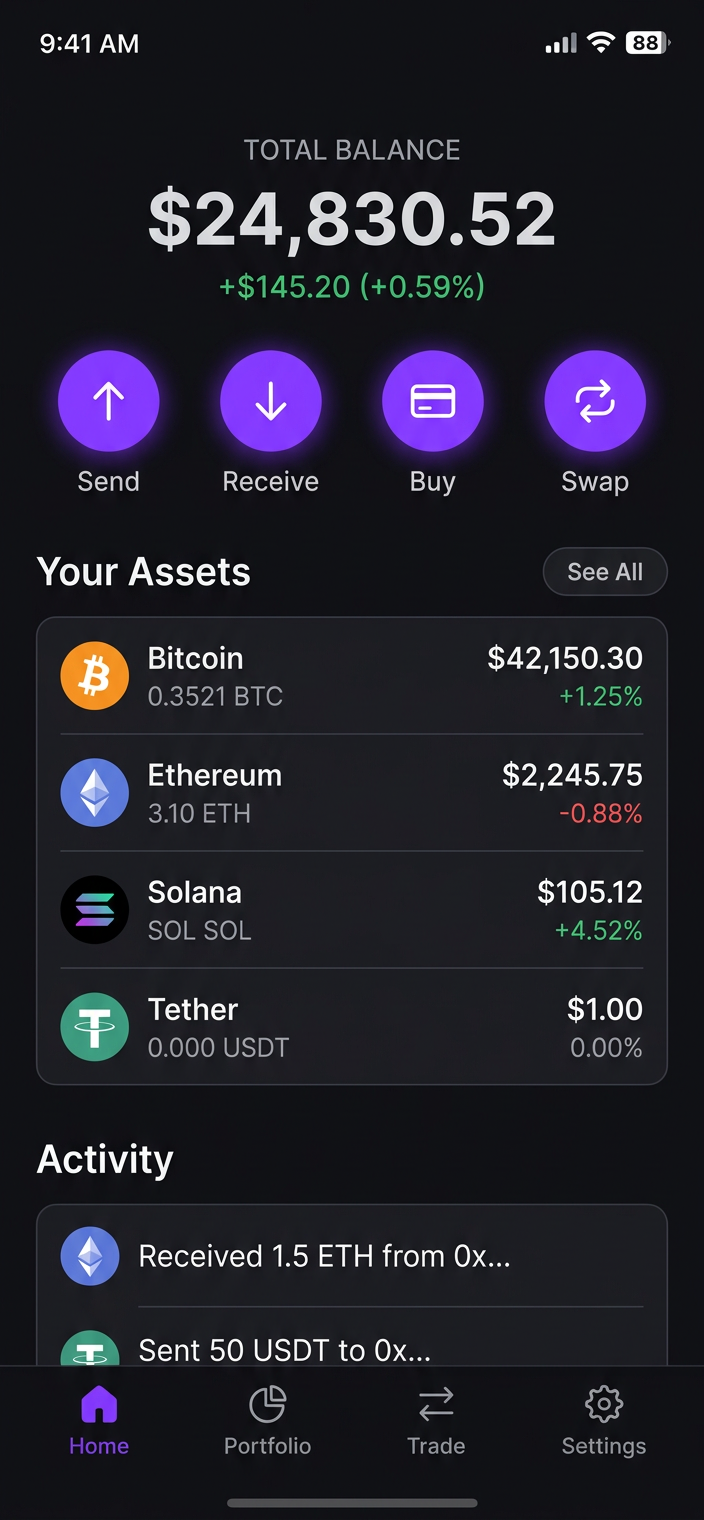
Getting started
Create your wallet in under a minute
Install the app, tap Create Wallet, write down your recovery phrase and confirm it. That is all it takes.
- Download the APK
- Back up your phrase offline
- Enable biometric lock
Trading
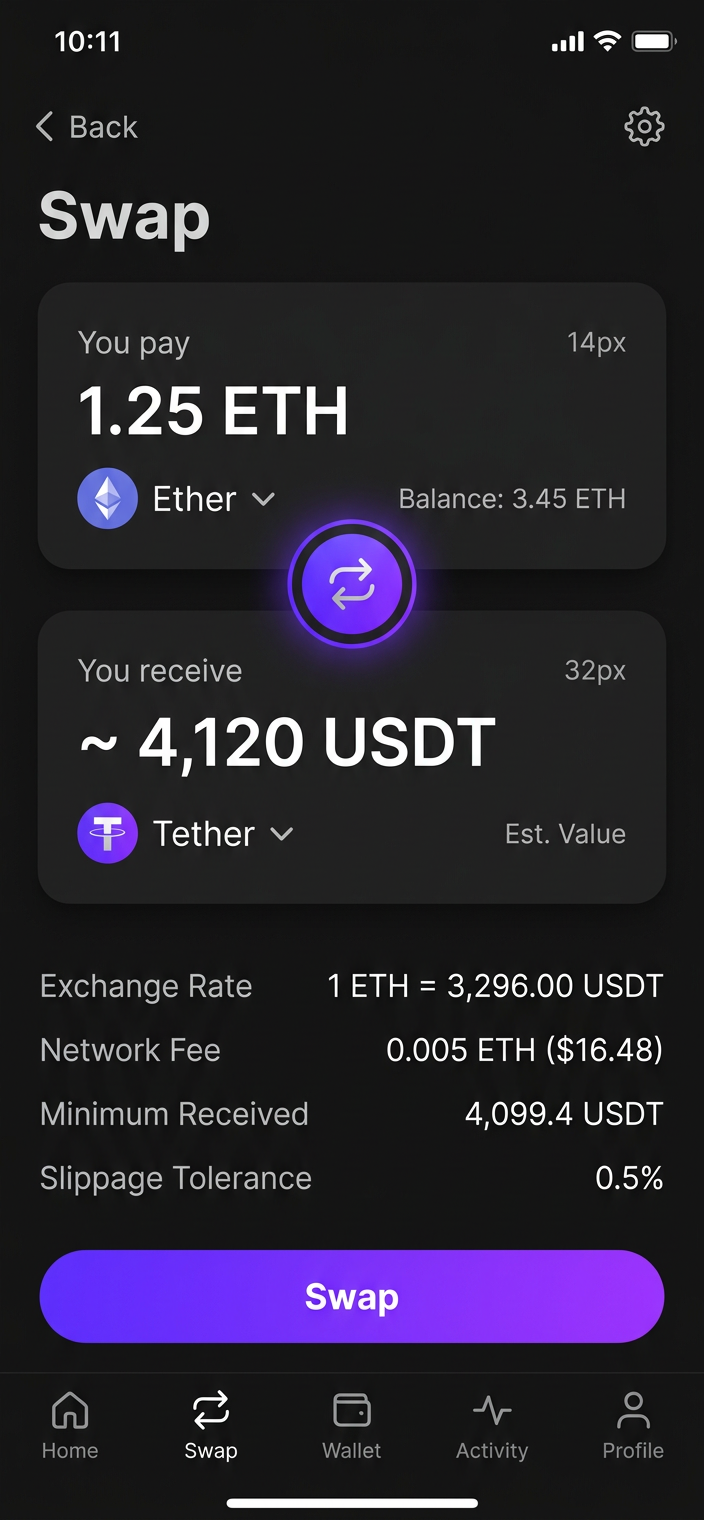
Your first swap
Open Swap, choose the tokens you want to exchange, review the rate and fees, then confirm.
Create a wallet
Set up a new self-custody wallet.
Import a wallet
Restore with your recovery phrase.
Buy crypto
Use a card or bank transfer.
Swap tokens
Exchange across chains.
Stake assets
Earn rewards on your crypto.
Stay safe
Avoid scams and phishing.
Your crypto, in your pocket.
Download Dynacoinex for Android and take full control of your digital assets in under a minute.